
Best Budget Laptops for Students Under 40000 2025 Guide
Introduction
If you’re a student looking for the best budget laptop under ₹40000, this article will help you find the right one without wasting your time and money.
Many students struggle with the sheer number of laptop options, with every brand claiming to be the best. But when your budget is ₹40,000, you need a laptop that’s fast, reliable, and good for studying, online classes, projects, and light editing or coding.
In this article, I’ll tell you the top laptops you can buy, which ones are right for you, what features you should look for when buying a laptop, and how to choose the right device for your needs—all in simple and straightforward terms.
Why Students Need a Good Budget Laptop Under 40000
Laptops are commonplace for students these days. While there are many companies manufacturing and selling laptops, the question that remains for students is which laptop should they choose that best suits their needs and makes their work easier. Today, students use laptops for a variety of tasks, including:
Online classes
Assignments and projects
Browsing and research
Watching educational videos
Coding (if you’re a CS student)
Basics of graphic design
Light photo/video editing
You no longer need to buy an expensive laptop, as there are companies in the market that offer good, affordable laptops for students. There are many brands available today that offer good and powerful laptops for less than 40,000.
What to Look for in a Laptop Under 40000
In this article, I’m not talking about expensive or luxury laptops, but rather about laptops that are affordable and good enough for you to easily complete your work.
Whenever you’re shopping for a new laptop, you should consider the following features:
1. Processor
Whenever you’re shopping for a new laptop, be sure to check its processor, as a good processor makes your laptop faster, making it easier to work.
Best options under 40,000:
Intel Core i3 12th Gen
AMD Ryzen 3 5300U
AMD Ryzen 5 3500U
2. RAM
Whenever you buy a laptop, it should have at least 8GB of RAM, as it helps with multitasking and smooth performance.
3. Storage
Whenever it comes to storage, people get confused about whether they should buy an HDD or an SSD. So, my suggestion would be to buy an SSD.
Why should you buy an SSD?
✔ Faster boot time
✔ Smoother performance
✔ Better for long-term use
Recommended: 256GB or 512GB SSD
4. Battery Life
Students often carry their laptops around, even for work, so they should buy a laptop with a good battery life. I recommend buying a laptop with at least 6 to 8 hours of battery life.
5. Build Quality
Lightweight laptops are best for students, as they can easily fit in their bags and don’t weigh too much. So, consider a laptop weighing between 1.4 kg and 1.8 kg.
6. Display
You should always choose a laptop with Full HD (1080p) resolution for clear text and videos.
Best Budget Laptops for Students Under 40000 (Top Picks 2025)
Now that you know what features to look for when buying a laptop, I’m sharing a list of the best budget laptops for students under 40000. In this list, I’ve highlighted the best laptops you can buy for your work, whether it’s creating school or college assignments or video editing. So let me tell you about the laptops that are best for you:
1. HP 15s – Best Overall Laptop Under 40000
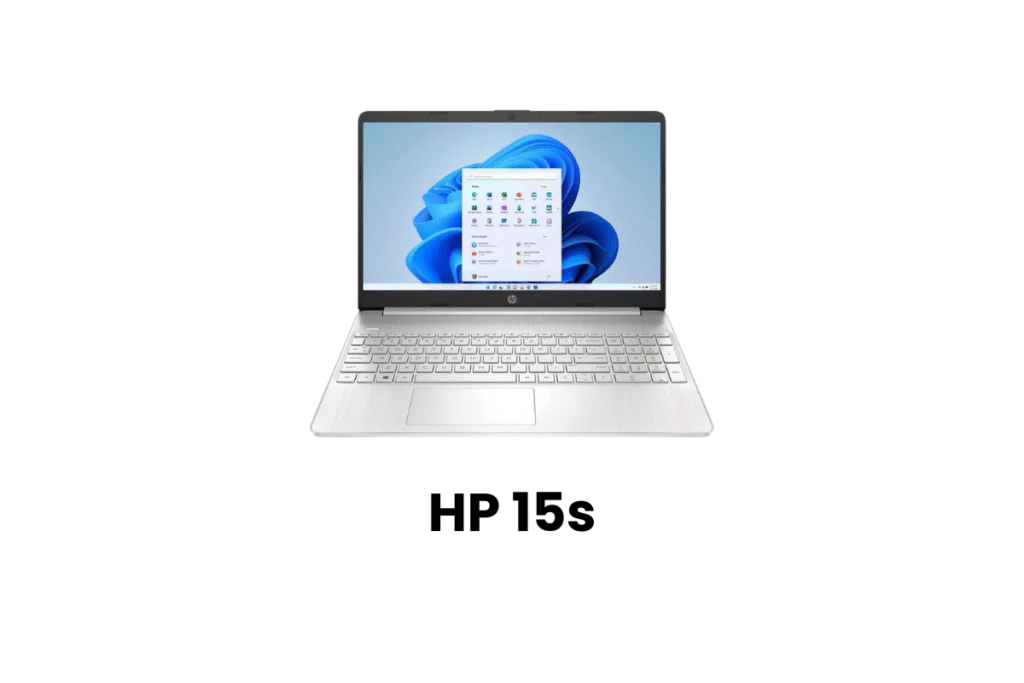
The HP 15s is a series of thin and light, budget-friendly laptops designed for everyday computing tasks, available in various configurations with either Intel or AMD processors.
| Feature | Details |
|---|---|
| Processor | Ryzen 3 5300U |
| RAM | 8GB |
| Storage | 512GB SSD |
| Display | 15.6-inch Full HD |
| Weight | 1.69 kg |
| Battery | 7 hours |
Why it’s great:
Smooth performance for students
Fast boot and app loading
Good battery backup
Lightweight and reliable
Perfect for:
Online classes, MS Office, research, programming basics, and everyday tasks.
Why it’s great:
Smooth performance for students
Fast boot and app loading
Good battery backup
Lightweight and reliable
Suitable for:
Online classes, MS Office, research, programming basics, and daily tasks.
2. ASUS VivoBook 15 – Best Laptop for Multitasking
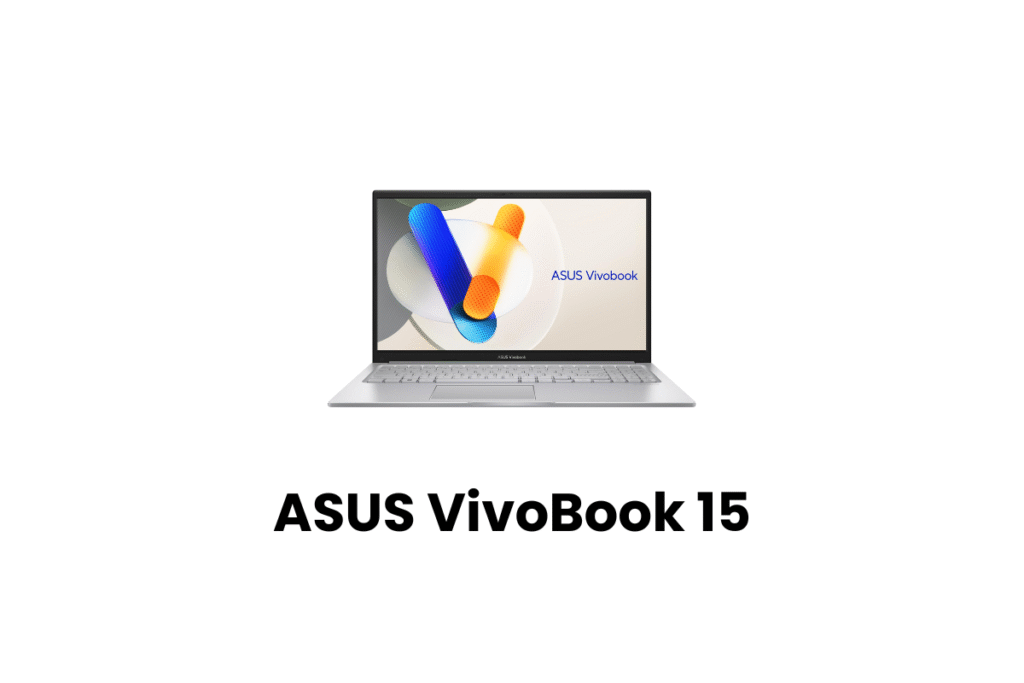
The ASUS VivoBook 15 is a thin and light laptop series known for offering a balance of performance, portability, and value, primarily aimed at students and professionals. It comes in various configurations with different Intel and AMD processors
| Feature | Details |
|---|---|
| Processor | Intel Core i3 12th Gen |
| RAM | 8GB |
| Storage | 512GB SSD |
| Display | 15.6″ FHD |
| Weight | 1.8 kg |
| Battery | 6 hours |
Why students love it:
Powerful processor for multiple apps
Better keyboard and typing experience
Slim design
Suitable for:
Students are doing coding, office work, and long typing tasks.
3. Lenovo IdeaPad Slim 3 – Best for Students Who Travel
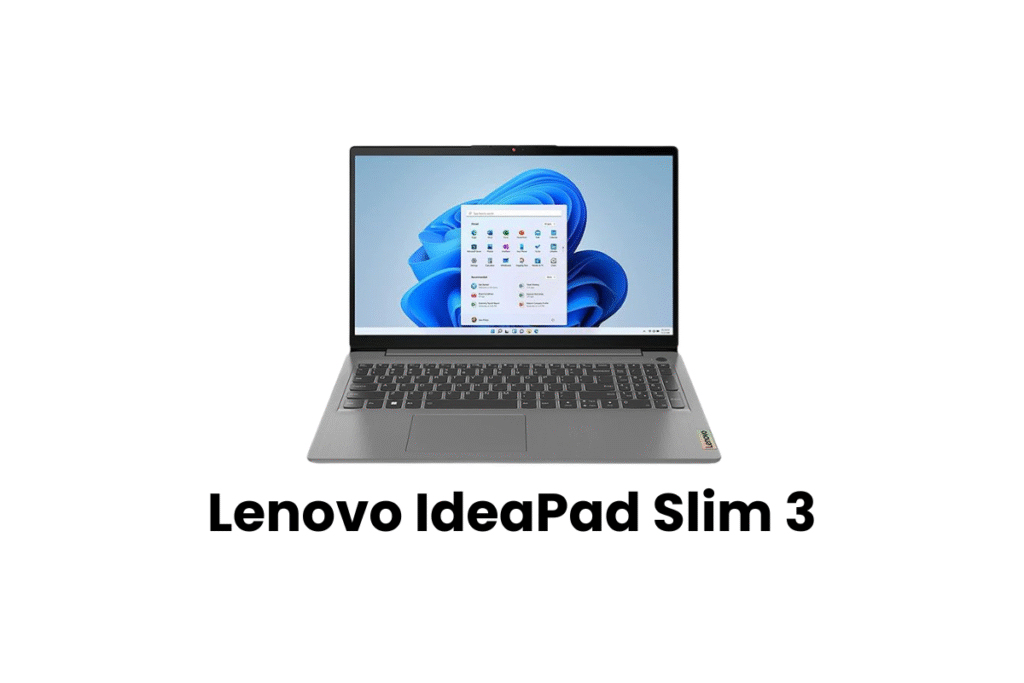
The Lenovo IdeaPad Slim 3 is a line of thin and light laptops designed for everyday use, known for its portability and range of configurations featuring both Intel and AMD processors. The laptop is generally praised for its performance in light tasks and value for money.
| Feature | Details |
|---|---|
| Processor | Ryzen 5 3500U |
| RAM | 8GB |
| Storage | 512GB SSD |
| Display | 15.6″ FHD |
| Weight | 1.5 kg |
| Battery | 8 hours |
Why it’s special:
Super lightweight
Good for college students
Strong performance for the price
Best for:
Programming, presentations, online classes, and travel use.
4. Acer Aspire 3 – Best for Basic Use
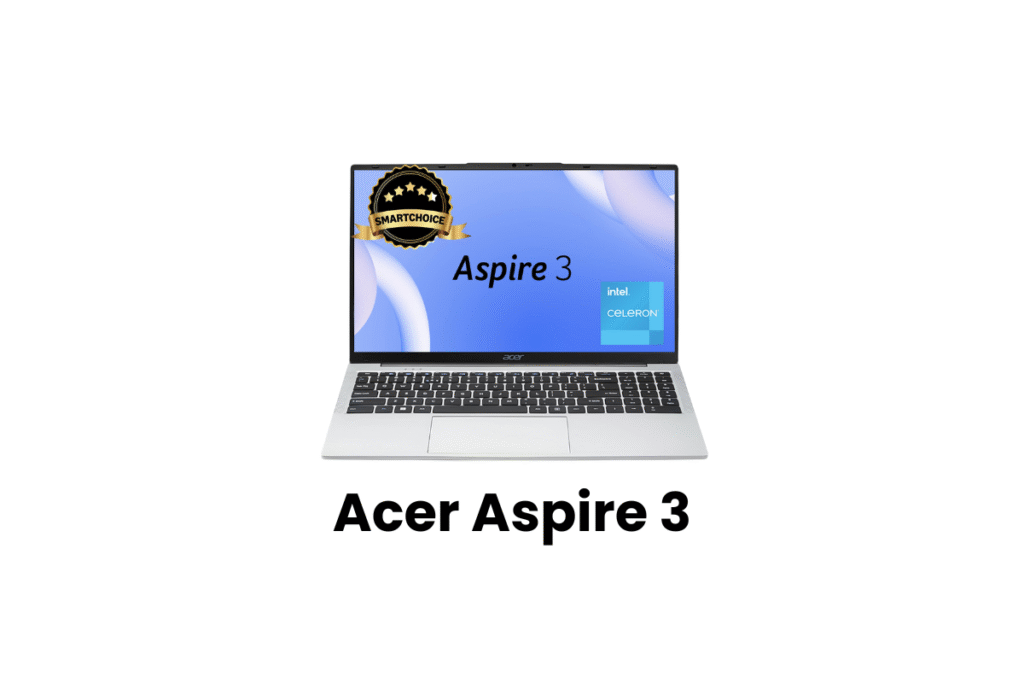
The Acer Aspire 3 is ranked No. 4 on our list of the best budget laptops for students under 40000. The Acer Aspire 3 is a series of affordable, everyday-use laptops known for offering solid performance for basic tasks and being generally considered a good value for money. It comes in various configurations featuring Intel or AMD processors and different screen sizes.
| Feature | Details |
|---|---|
| Processor | Ryzen 3 7320U |
| RAM | 8GB |
| Storage | 256GB SSD |
| Display | 15.6″ FHD |
| Weight | 1.78 kg |
| Battery | 7 hours |
Why pick this laptop:
Best for tight-budget students
Good performance for study and browsing
Clean design
Suitable for:
School students, beginners, and light computer users.
5. Infinix INBook X2 Plus – Best Display Quality Under 40000
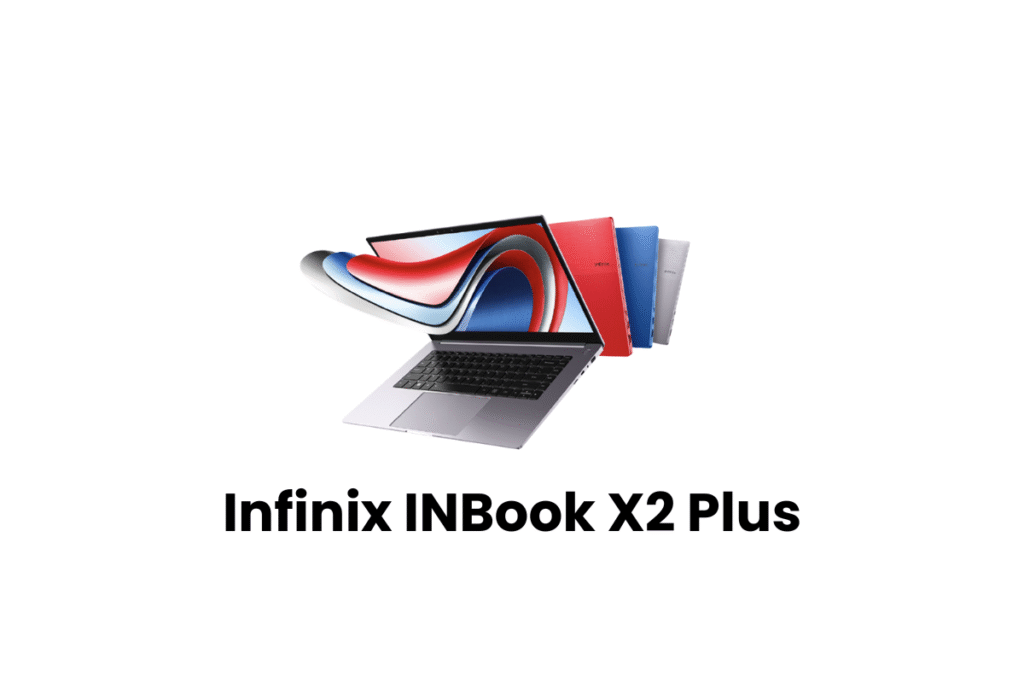
The Infinix INBook X2 Plus is a thin and light laptop with a 15.6-inch Full HD display, an 11th Gen Intel Core processor (up to i7), and a full metal body. It is designed for everyday computing, multimedia, and student use, not high-end gaming or heavy software applications.
| Feature | Details |
|---|---|
| Processor | Intel Core i3 11th Gen |
| RAM | 8GB |
| Storage | 512GB SSD |
| Display | 15.6″ FHD (Very bright) |
| Weight | 1.58 kg |
| Battery | 8 hours |
Why choose it:
Amazing display
Great build quality
Metal body design
Suitable for:
Design students, content creators, and online study.
Comparison Table: Best Laptops Under 40000
| Laptop | Processor | RAM | Storage | Battery | Best For |
|---|---|---|---|---|---|
| HP 15s | Ryzen 3 5300U | 8GB | 512GB SSD | 7 hrs | Best overall performance |
| ASUS VivoBook 15 | i3 12th Gen | 8GB | 512GB SSD | 6 hrs | Multitasking |
| Lenovo IdeaPad Slim 3 | Ryzen 5 3500U | 8GB | 512GB SSD | 8 hrs | Students who travel |
| Acer Aspire 3 | Ryzen 3 7320U | 8GB | 256GB SSD | 7 hrs | Basic users |
| Infinix INBook X2 Plus | i3 11th Gen | 8GB | 512GB SSD | 8 hrs | Best display |
Which Laptop Should You Choose?
So far, I’ve told you which laptop would be best for you and provided you with a list of laptops. When you’re buying a laptop, you’re likely considering a laptop that should run well and offer long-term performance. Here, I’ve provided a simple guide to help you choose the best laptop for you.
If you want the best overall performance
HP 15s
If you want the best processor
ASUS VivoBook 15 (12th Gen)
If you want lightweight + long battery
Lenovo IdeaPad Slim 3
If you are on a strict budget
Acer Aspire 3
If you want a good display for design
Infinix INBook X2 Plus
Tips for Buying Laptops Under 40000
Tip 1: Choose SSD over HDD
SSD = faster and better performance for studies.
Tip 2: Pick at least 8GB RAM
This helps in multitasking and online classes.
Tip 3: Buy from a trusted brand only
HP, Lenovo, ASUS, Acer, and Infinix are safe choices.
Tip 4: Avoid touchscreen laptops in this price range
They are slow and break easily.
Tip 5: Check warranty and service availability
Service centers must be near your area.
How These Laptops Help in Studies (Real Examples)
Coding Students
A Ryzen or 12th Gen Intel laptop runs VS Code, Java, and Python smoothly.
Design Students
Good display and SSD help in Canva, Figma, and Photoshop basic editing.
Engineering Students
Fast performance for simulations, presentations, and browsing.
School Students
Perfect for online classes, assignments, and educational videos.
Conclusion: Best Budget Laptops for Students Under 40000
In this article, I’ve listed the best budget laptops for students under 40000, which will help you find a good and affordable laptop. Finding the best budget laptops for students under 40000 in the market today isn’t difficult when you know what features to focus on. Always choose a laptop with a good processor, 8GB of RAM, and SSD storage; this will ensure smooth performance that lasts for years. Laptops like the HP 15s, ASUS VivoBook 15, Lenovo IdeaPad Slim 3, Acer Aspire 3, and Infinix INBook X2 Plus are perfect choices for students in 2025. These laptops offer excellent value, strong performance, and reliable features within a student’s budget.
FAQs (Best Budget Laptops for Students Under 40000)
1. Which is the best budget laptop for students under 40000?
HP 15s and ASUS VivoBook 15 are currently the best choices for performance and value.
2. Can I do coding on a laptop under 40000?
Yes, laptops with Ryzen 3/5 or Core i3 12th Gen are good enough for beginner and intermediate coding.
3. Is 8GB RAM enough for students?
Yes, 8GB RAM is perfect for browsing, online classes, coding, and daily tasks.
4. Can I do video editing on laptops under 40000?
Basic editing is possible, but heavy editing needs a more powerful laptop.
5. SSD or HDD — which is better for students?
Always choose an SSD laptop. It is much faster and improves overall performance.
Also Read: Techlymate