
Best AI for WordPress Development in 2026: 9 Tools Compared
Introduction
Creating a WordPress website has become easier than ever, but serious WordPress development remains a challenging task.
A minor PHP error can break a plugin. A poorly written database query can slow down the site. An AI-generated function might look perfect at first glance but could harbor security vulnerabilities that only come to light later.
That is why choosing the right AI for WordPress development is crucial.
The good news is that AI coding tools have evolved far beyond simple “auto-complete” features. Today’s coding agents can understand project files, edit multiple files, execute commands, write tests, debug issues, review code, and handle complex development tasks.
But which tool should you actually use?
For most professional WordPress development, my top pick for 2026 is OpenAI Codex. Claude Code is a strong contender for large codebases and terminal-based workflows, while GitHub Copilot is excellent for developers who spend most of their time on GitHub and within their IDEs. Tools like Cursor, Gemini Code Assist, and Windsurf also offer their own unique advantages.
This guide compares the key options, explains which tools excel at specific tasks, and teaches you how to safely use AI for WordPress plugins, themes, PHP, JavaScript, Gutenberg, WooCommerce, REST APIs, debugging, and custom functionality.
What Is the Best AI for WordPress Development?
Straight answer: OpenAI Codex is the best AI coding agent for WordPress development in 2026, especially for custom plugins, themes, debugging, refactoring, testing, and multi-file development.
However, there is no single AI that excels at everything.
| AI Tool | Best For | WordPress Usefulness | Overall Rating |
|---|
| OpenAI Codex | Full coding agents and complex development | Excellent | 9.5/10 |
| Claude Code | Large codebases and terminal workflows | Excellent | 9.4/10 |
| GitHub Copilot | IDE + GitHub development | Excellent | 9.2/10 |
| Cursor | AI-first coding environment | Excellent | 9.1/10 |
| Gemini Code Assist | IDE agents and Google ecosystem | Very Good | 8.9/10 |
| Windsurf | Agentic IDE development | Very Good | 8.8/10 |
| ChatGPT | Planning, learning and debugging | Excellent | 8.8/10 |
| AI Engine | Adding AI to WordPress | Excellent for AI features | 8.6/10 |
| Meta Muse Code | Emerging coding-agent workflow | Promising | 8.3/10 |
| Traditional AI autocomplete tools | Small snippets | Good | 7.5/10 |
These are editorial ratings based on usability, project context, agent capabilities, workflow flexibility, learning value, and security within the context of WordPress development—they are not standard laboratory benchmark scores.
My top recommendations
- Best overall: OpenAI Codex
- Best for existing large projects: Claude Code
- Best for GitHub users: GitHub Copilot
- Best AI-first editor: Cursor
- Best choice for the Google ecosystem: Gemini Code Assist
- Best for beginners: ChatGPT
- Best for adding AI features to WordPress: AI Engine
- Best strategy for professionals: Use multiple tools
AI coding research also reveals that no single coding agent consistently outperforms others across every type of task. A 2026 analysis of thousands of pull requests generated by these agents showed significant variations based on the type of work; Codex performed well across all categories, while Claude Code and Cursor demonstrated strengths in specific types of tasks.
What Makes an AI Good for WordPress?
An AI capable of writing PHP code isn’t necessarily a good assistant for WordPress development.
WordPress has its own unique architecture and development practices.
A useful AI needs to understand or work effectively with the following:
- PHP
- JavaScript
- HTML
- CSS
- WordPress hooks
- Actions
- Filters
- Shortcodes
- WP_Query
- REST API
- Database APIs
- Nonces
- Capabilities
- Sanitization
- Escaping
- Theme development
- Plugin development
- Gutenberg
- Block APIs
- theme.json
- WooCommerce
- WordPress coding standards
It must also be capable of understanding an existing codebase.
This is becoming increasingly important because, in reality, WordPress work often involves maintaining existing systems rather than building new projects from scratch (greenfield development).
You might encounter a plugin consisting of 50 files and need to fix a bug within it without breaking anything else.
A good coding agent will help you understand:
What is this code doing?
And then, it will help you decide:
What changes should I make?
1. OpenAI Codex — Best Overall AI for WordPress Development
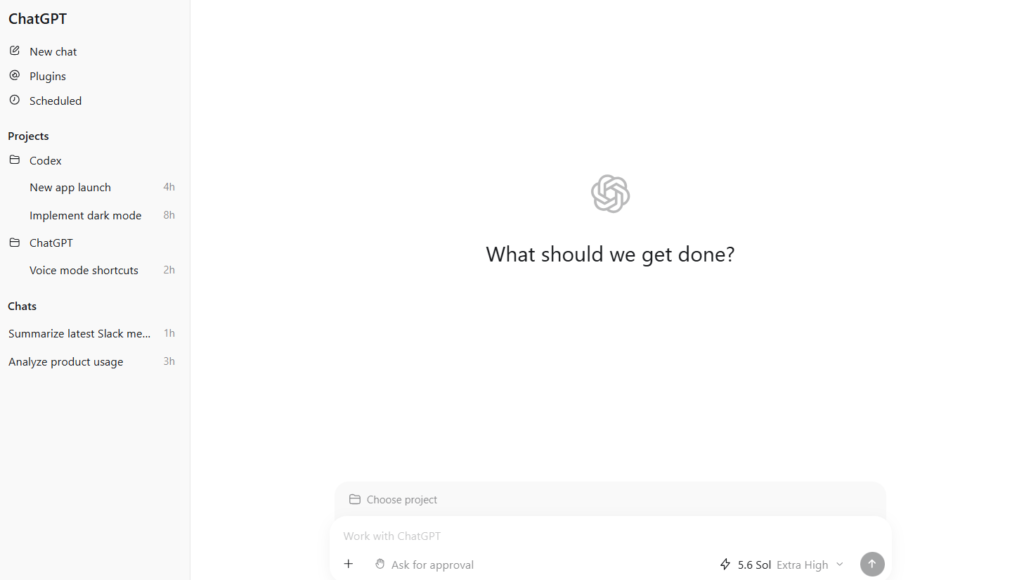
My top recommendation: OpenAI Codex.
Codex has evolved from a simple code-generation tool into an agentic software development environment. OpenAI states that it is designed for end-to-end engineering tasks, including feature creation, complex refactoring, migrations, and other coding-related activities.
This makes it particularly useful for WordPress developers.
Why Codex is great for WordPress
WordPress projects often involve multiple interconnected files.
For example:
my-plugin/
├── my-plugin.php
├── includes/
│ ├── class-admin.php
│ ├── class-api.php
│ └── class-database.php
├── admin/
├── assets/
│ ├── css/
│ └── js/
└── templates/
A standard chatbot might only be able to generate a single file.
However, an agentic coding tool can understand the relationships between these files and make coordinated changes across them.
Codex is highly useful for tasks such as:
Building custom plugins
Creating custom themes
PHP refactoring
JavaScript development
Working with REST APIs
Gutenberg development
WooCommerce customization
Debugging
Testing
Code review
Documentation
Migrations
OpenAI also notes that Codex supports specific skills and project-based workflows, helping developers determine the best way to manage their projects.
Best for
Professional developers, freelancers, agencies, and advanced WordPress users working on custom projects.
Key drawback
You still need to review the changes. If your instructions aren’t clear, even an agent capable of modifying multiple files can make significant errors.
2. Claude Code — Best for Large WordPress Codebases
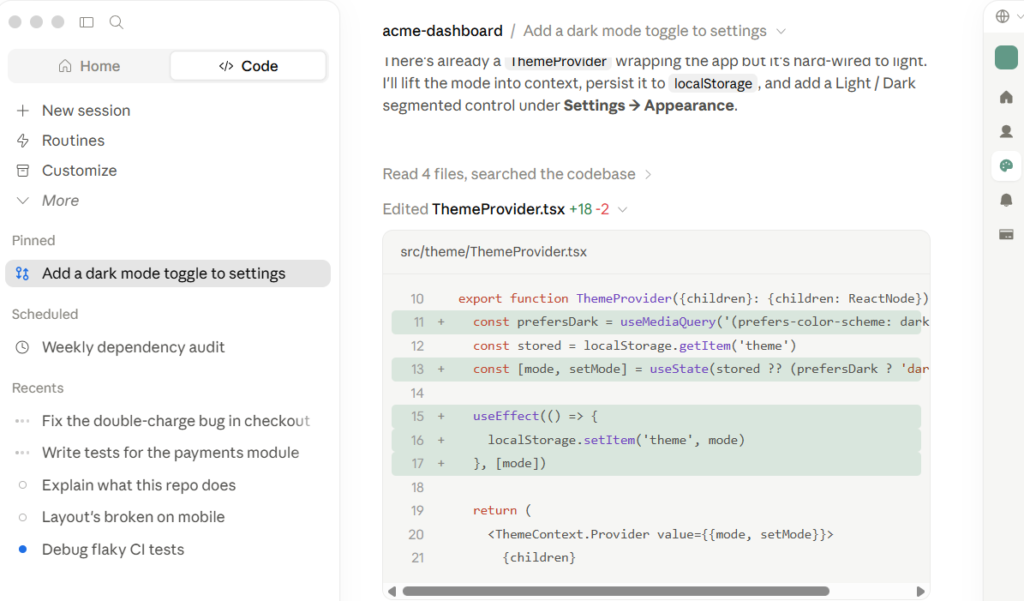
Claude Code is one of the best alternatives to Codex.
It is particularly excellent for developers who prefer working from the terminal and need assistance understanding existing projects.
Anthropic has continuously enhanced Claude Code’s capabilities, including improvements to its coding models and developer workflows.
Where Claude Code excels
Imagine you have come across an old WordPress plugin.
You don’t know:
- Which class handles database operations
- Where the REST endpoint is registered
- Which hook creates the admin page
- Where the frontend JavaScript originates
- Why a specific filter is being used
Instead of manually reading every file, you can ask the coding agent to map out the project.
Then, you can make requests like:
Explain how the plugin handles user authentication and identify potential security vulnerabilities without modifying any files.
This type of analysis is incredibly useful.
Best for
- Large plugins
- Legacy WordPress projects
- Understanding codebases
- Refactoring
- Debugging
- Terminal users
- Complex development tasks
Main drawback
It may seem to focus more on developers than on beginners.
3. GitHub Copilot — Best for GitHub and IDE Workflows
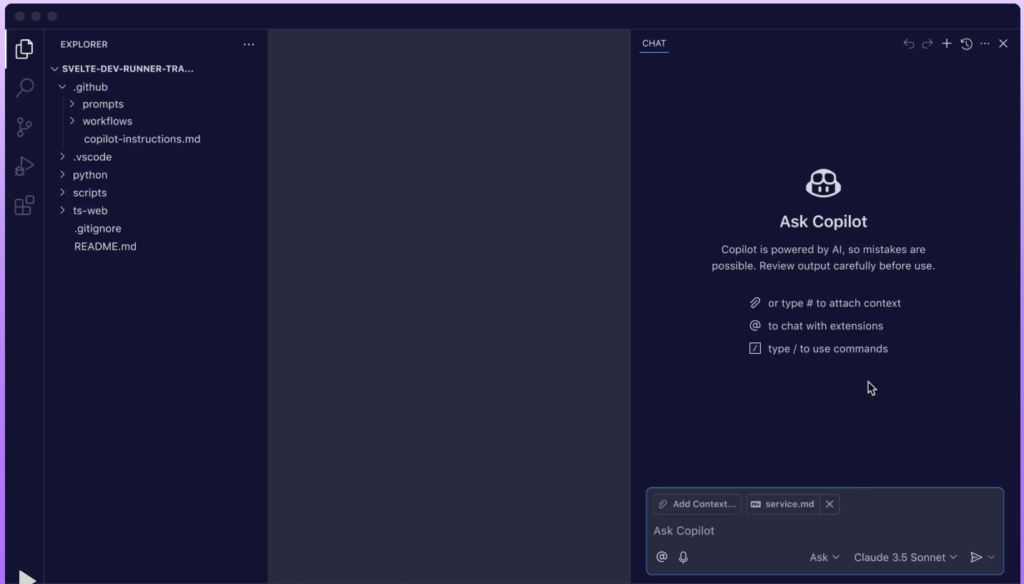
If your development workflow is already based on GitHub and an IDE like Visual Studio Code, GitHub Copilot is an excellent choice.
Copilot has evolved far beyond simple inline suggestions. GitHub now offers features such as agentic workflows, code reviews, CLI support, background tasks, MCP integration, and access to multiple AI models.
Why WordPress developers love Copilot
You can use it while working on:
- PHP
- JavaScript
- CSS
- HTML
- WordPress hooks
- REST API
- Plugin code
- Theme code
It can also assist with GitHub pull requests and code reviews.
This is a major advantage for developers who want AI assistance without leaving their standard editor.
Best for
WordPress developers who already rely heavily on GitHub and VS Code.
Bonus
GitHub’s existing Copilot ecosystem also provides access to third-party coding agents like Claude and Codex on eligible plans, allowing some developers to combine multiple agents within a single workflow.
4. Cursor — The best AI-first coding environment
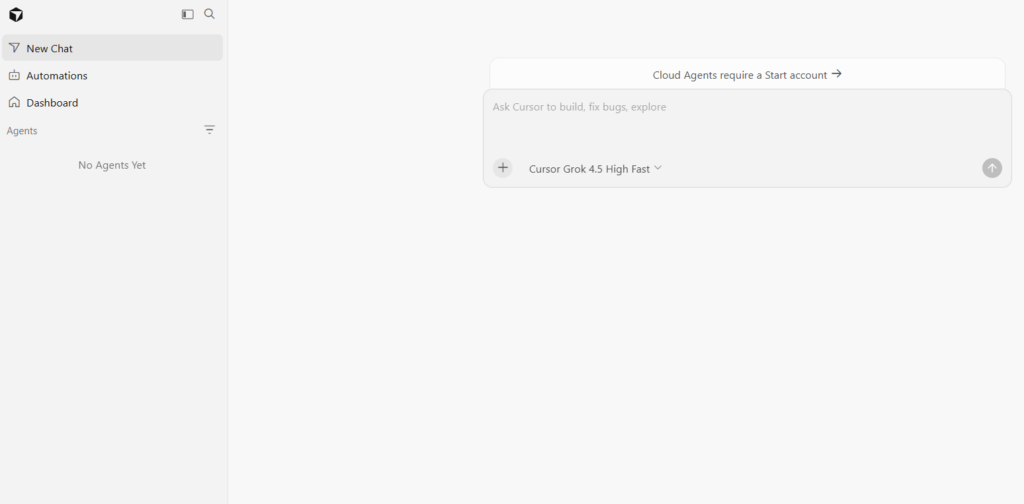
Cursor takes a different approach.
Instead of simply adding AI to a traditional coding editor, it was built specifically for AI-assisted development.
Its agent workflow is particularly useful when you want the AI to understand and modify the entire project, rather than just auto-completing individual lines of code.
Why Cursor is useful for WordPress
Consider a custom theme that includes:
- PHP templates
- CSS
- JavaScript
- Block files
- Configuration files
You can ask the agent to analyze the project and make coordinated changes.
For example:
Figure out why the mobile navigation menu stops working after the second sub-menu level. Check the PHP, JavaScript, and CSS before making changes. Then, fix the issue and report the modified files.
This is far more useful than simply asking AI to write a random JavaScript function.
Best for:
- Custom themes
- Custom plugins
- Frontend work
- JavaScript
- CSS
- Gutenberg
- Multi-file edits
- Developers who prefer AI-first editors
5. Gemini Code Assist — A strong option within the Google ecosystem
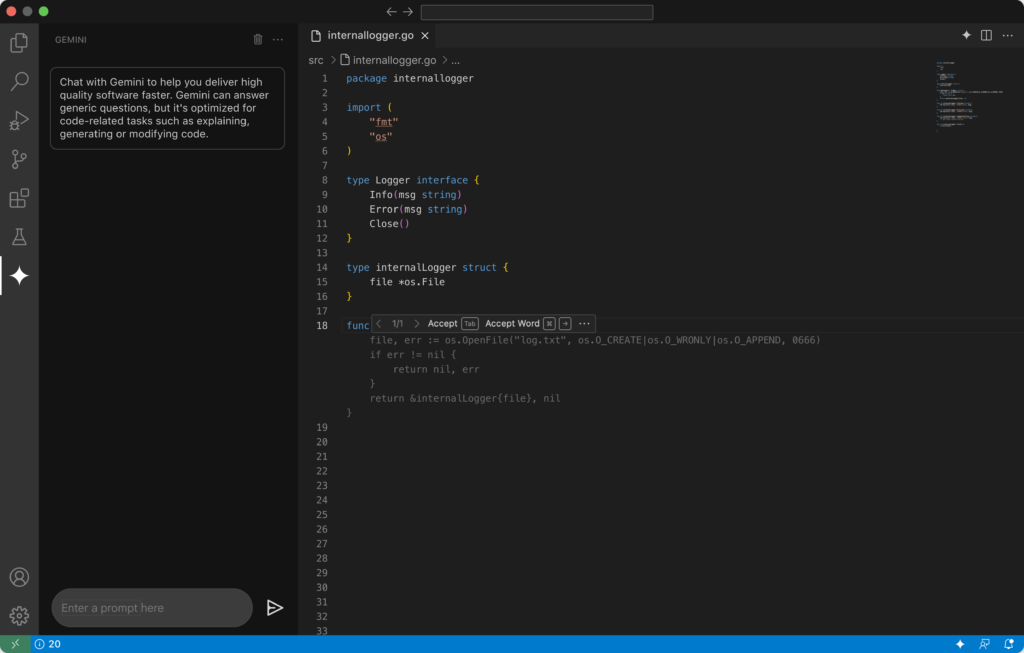
Gemini Code Assist is Google’s coding assistant for development environments and associated workflows.
It supports IDE integration and agentic development workflows, making it useful for complex tasks rather than just auto-completion. Google also provides standalone access to Gemini Code Assist via IDE support and the Gemini CLI.
Some great use cases for WordPress include
Gemini can assist with:
- PHP
- JavaScript
- CSS
- HTML
- REST APIs
- Debugging
- Refactoring
- Documentation
- Project analysis
It is particularly beneficial if your development workflow already utilizes Google Cloud or Google’s developer tools.
Best for:
Developers looking to leverage AI-assisted development within the Google ecosystem.
6. Windsurf — A great AI-first option
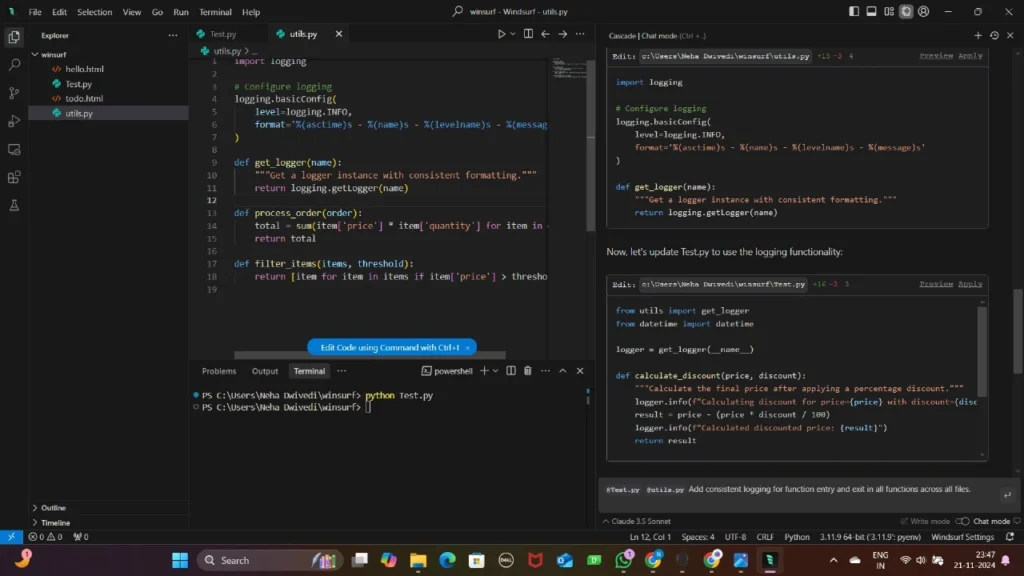
Windsurf is another AI-centric development environment worth considering.
It focuses primarily on agentic coding workflows and project context.
For WordPress developers, it can be useful for:
- Theme development
- Plugin development
- JavaScript
- PHP
- Debugging
- Multi-file edits
- Project exploration
In my general recommendations for WordPress, I would rank it after Codex, Claude Code, Copilot, and Cursor; however, it remains a strong option depending on personal preference. The best AI editor is often the one that fits your workflow, not the one with the most impressive marketing page.
7. ChatGPT — Best for learning, planning, and debugging
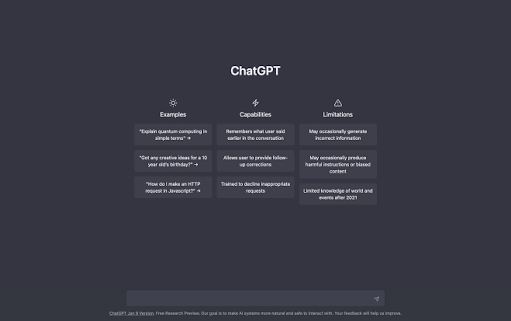
ChatGPT deserves a category of its own.
It is not just a coding tool.
For many WordPress beginners, it can actually be the most useful starting point because development involves much more than just writing code.
You can ask questions like:
“is the difference between actions and filters in WordPress”?
Or:
“Explain why this WP_Query is showing duplicate posts”.
Or:
“Design the architecture for a WordPress plugin before writing the code”.
This is what makes ChatGPT particularly useful for learning.
For more advanced coding tasks, you can move beyond planning and use a coding agent like Codex.
Codex is currently available with ChatGPT plans, and its availability and usage limits may vary depending on the plan.
Best for:
- Beginners
- Learning WordPress
- Architecture
- Debugging
- Code explanation
- Requirements
- Prompt engineering
- Documentation
- SEO + Development planning
8. AI Engine — Best for adding AI to WordPress
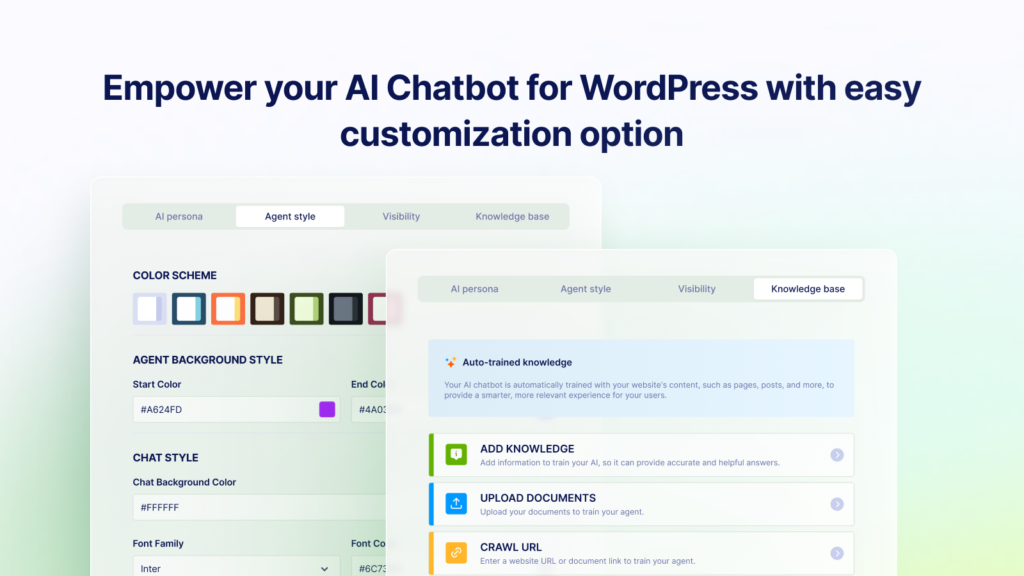
AI Engine is different from the coding assistants mentioned above.
Its goal is to help developers add AI functionality to WordPress. It can be used for:
- AI chatbots
- AI forms
- Content creation
- AI assistants
- Knowledge bases
- Function calling
- AI-powered workflows
- REST API integration
- MCP-related functions
So, there are two distinct questions:
“Which AI should I use to build my WordPress plugin?”
And
“Adding AI to my WordPress plugin…”
9. Meta Muse Code — An Emerging Coding Agent
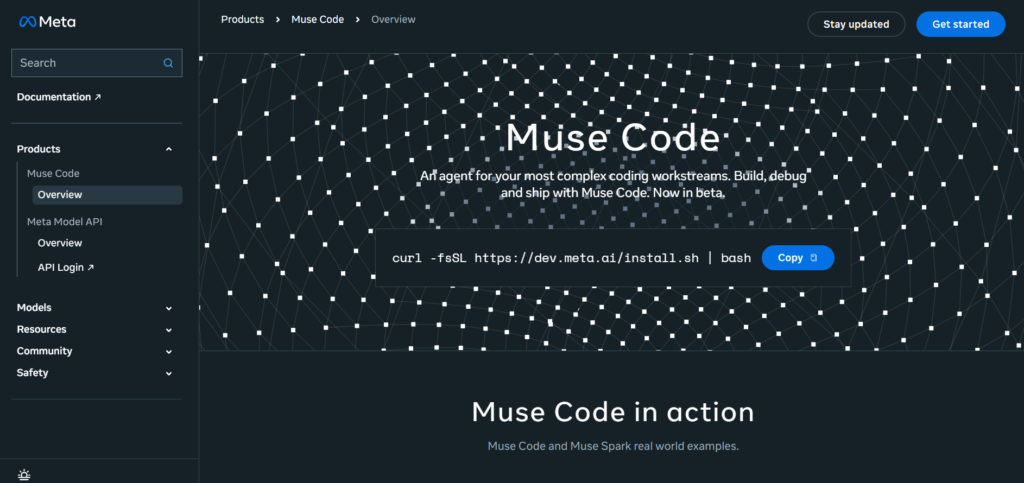
The AI coding market is evolving rapidly.
In August 2026, Meta launched Muse Code, a beta AI coding tool based on the Muse Spark model. According to Reuters, it can write and debug code, handle lengthy development tasks, and utilize multiple sub-agents simultaneously.
Since it is new and currently in the beta stage, I wouldn’t consider it superior to the existing, more reliable options for WordPress development.
However, it is certainly worth keeping an eye on.
This also serves as a reminder that articles about “top AI coding tools” need to be updated periodically. New agents can quickly shift the rankings.
Best AI for Different WordPress Tasks
Here is the practical comparison.
| Task | Best Choice |
| Complete custom plugin | Codex |
| Large existing plugin | Claude Code |
| GitHub workflow | GitHub Copilot |
| AI-first editor | Cursor |
| Beginner learning | ChatGPT |
| PHP debugging | Codex / Claude Code |
| CSS debugging | Cursor / Copilot / ChatGPT |
| Gutenberg development | Codex / Cursor |
| WooCommerce customization | Codex / Claude Code |
| REST API development | Codex / Claude Code |
| Code review | Copilot / Codex |
| AI features inside WordPress | AI Engine |
| Google developer ecosystem | Gemini Code Assist |
| Multi-file refactoring | Codex / Claude Code / Cursor |
AI for WordPress Plugin Development
One excellent use of AI is creating custom plugins.
Suppose you want to create a plugin that automatically displays the number of published posts in each category.
A beginner might simply ask:
“Give me PHP code to count WordPress posts.”
That is a very limited request.
A better request would be:
“Design a WordPress plugin that dynamically displays the number of published posts for selected categories. Use the WordPress API instead of making direct database queries unnecessarily. Implement caching where appropriate, sanitize settings, escape frontend output, check permissions, use nonces for admin requests, and adhere to WordPress coding standards. Explain the architecture first; do not write the code yet.”
The second prompt gives the AI much more useful constraints.
Ask AI to build the plugin in stages
Stage 1
Create the plugin structure.
Stage 2
Create the settings page.
Stage 3
Add category-count functionality.
Stage 4
Create the shortcode or block.
Stage 5
Add CSS.
Stage 6
Add JavaScript if needed.
Stage 7
Add security checks.
Stage 8
Test edge cases.
Stage 9
Review the entire plugin.
This is safer than asking an AI agent to generate hundreds of lines of code in one response.
AI for WordPress Theme Development
AI can also accelerate custom theme work.
It can help with:
- template files
functions.phptheme.json- CSS
- responsive layouts
- navigation
- custom blocks
- template parts
- accessibility
- performance improvements
But AI should not be treated as a replacement for understanding WordPress’s template architecture.
A strong workflow is:
Design → Architecture → AI implementation → Browser testing → Accessibility testing → Performance testing
AI for Elementor and Page Builders
If you use Elementor or another page builder, AI can still be extremely helpful.
It is particularly useful for:
- custom CSS
- responsive fixes
- JavaScript
- PHP snippets
- Elementor hooks
- custom widgets
- dynamic content
- performance troubleshooting
For example, instead of saying:
My Elementor button is vertical on mobile.
Tell the AI:
I have an Elementor section containing three buttons. They display horizontally on desktop but stack vertically on tablet and mobile. I want desktop unchanged, tablet to show two buttons per row, and mobile to show one button per row. Provide CSS scoped specifically to this section and explain where to add it.
That produces a much more controlled result.
AI for Gutenberg and Block Development
WordPress development is increasingly centered around blocks.
WordPress 7.0 shipped in May 2026 and introduced major developer-facing changes, including the AI Client and other APIs. The WordPress Developer Blog also notes PHP 7.4 as the new minimum supported PHP version for WordPress 7.0, with newer PHP versions recommended.
WordPress’s block ecosystem also continues to evolve.
AI can help create:
- custom blocks
- block variations
- block attributes
block.json- editor controls
- frontend rendering
- block styles
- JavaScript components
But always verify generated code against the current WordPress Developer Handbook.
WordPress 7.0 and the New AI Client
This is one of the key changes that WordPress developers need to understand.
WordPress 7.0 introduced a built-in AI client, which is a PHP API. It was designed to enable plugins to communicate with AI providers in a standardized way.
Instead of building entirely separate integrations with various AI services for every plugin, the AI client provides an abstraction layer. WordPress also introduced a Connectors API to support provider credentials and selection.
This could significantly simplify WordPress AI development over time.
For example, developers can create plugins that utilize AI for tasks such as:
Image generation
Text generation
Content transformation
Semantic search
AI assistants
Automated workflows
A tutorial has already been published on the official WordPress developer blog demonstrating how to build an image-generation plugin using the WordPress AI client.
In this way, WordPress development is moving:
From treating AI as an external service…
…to treating
AI as an integral part of the WordPress development platform.
AI Client and the Future of WordPress
This area is rapidly becoming interesting.
According to the July 2026 WordPress developer update, work is underway on streaming and embedding for AI clients in WordPress 7.1. Embeddings can support use cases such as semantic and vector search.
This opens up numerous possibilities, such as:
- Semantic site search
- AI-powered recommendations
- Content similarity
- Knowledge bases
- Retrieval systems
- Intelligent internal search
For WordPress developers, this is an area that requires close attention.
How to Use AI for WordPress Development
The safest approach is not:
Prompt → Code → Publish
Use:
Plan → Generate → Review → Test → Secure → Stage → Deploy
Step 1: Define the requirement
Tell AI:
- WordPress version
- PHP version
- theme
- plugins
- hosting environment
- expected functionality
- user roles
- technical limitations
Step 2: Ask for architecture
Do not immediately request code.
Ask:
Analyze this requirement and propose a WordPress architecture. Explain which hooks, APIs, files, and data structures you would use.
Step 3: Build one component
Start small.
Step 4: Test immediately
Don’t wait until 5,000 lines have been generated.
Step 5: Review security
Check:
- authentication
- authorization
- nonces
- sanitization
- validation
- escaping
- database queries
- file uploads
- external requests
Step 6: Review performance
Ask:
Identify unnecessary database queries, expensive loops, uncached API calls, and possible performance bottlenecks.
Step 7: Test on staging
Never make major AI-generated changes directly on a production site.
Best AI Prompt for WordPress Development
Use this reusable prompt:
Act as a senior WordPress developer, PHP engineer, security reviewer, and code architect.
Project:
[Describe the WordPress project]Environment:
- WordPress: [version]
- PHP: [version]
- Theme: [theme]
- Plugins: [plugins]
- Hosting: [hosting]
Requirement:
[Describe the functionality]Before writing code:
- Analyze the requirement.
- Identify possible compatibility issues.
- Propose the architecture.
- Identify the WordPress APIs, hooks, classes, and functions that should be used.
- Explain possible security and performance risks.
When writing code:
- Follow current WordPress coding standards.
- Use appropriate WordPress APIs.
- Sanitize input.
- Validate data.
- Escape output.
- Use nonces where appropriate.
- Check user capabilities.
- Use prepared database queries.
- Avoid deprecated APIs.
- Avoid unnecessary database queries.
- Keep the code modular.
- Consider accessibility and responsive behavior.
After writing the code:
- Explain every changed file.
- Explain how to install it.
- Explain how to test it.
- Review it for security.
- Review it for performance.
- Identify possible bugs and edge cases.
- Suggest improvements.
Do not make assumptions about unknown project details. Ask for the relevant file or configuration when it is necessary to avoid breaking existing functionality.
WordPress AI Development Security
This deserves special attention.
AI can produce code that looks professional and still contains a security vulnerability.
WordPress development requires careful handling of:
- user input
- permissions
- database queries
- file uploads
- URLs
- API requests
- authentication
- admin actions
Follow the WordPress security rule
Think:
Sanitize → Validate → Escape
Also consider:
Authenticate → Authorize → Protect
For example, an admin action should not simply trust that someone reaching an endpoint is an administrator.
Your code may need:
- capability checks
- nonces
- input validation
- escaped output
The official WordPress documentation provides extensive guidance around plugin security and data validation.
Never Put AI Directly in Charge of Production
If you are using an agent that can edit files or execute commands, give it controlled access.
A professional workflow should include:
- Local development
- Git repository
- Staging environment
- Automated tests
- Backup
- Human code review
- Production deployment
This matters because modern AI agents can do much more than autocomplete code.
Research into agentic coding tools has found that developers use configuration files, context files, skills, and subagents to control how agents behave across repositories.
The more powerful the agent becomes, the more important your guardrails become.
Can AI Replace WordPress Developers?
No—not completely.
AI can replace or automate portions of development work.
It can:
- generate boilerplate
- explain code
- debug errors
- create tests
- refactor code
- write documentation
- build prototypes
- review changes
But someone still needs to decide:
- What should be built?
- Is the architecture correct?
- Is the code secure?
- Is the feature actually useful?
- Does it work with the existing site?
- Will it scale?
- Is it accessible?
- Does it comply with project requirements?
The future is less about AI versus developers and more about developers using AI effectively.
Common Mistakes When Using AI for WordPress
1. Asking AI to build everything at once
Large, vague prompts produce unpredictable results.
Break projects into smaller tasks.
2. Copying code without understanding it
If you cannot explain what the code does, you are not ready to deploy it.
3. Ignoring WordPress documentation
AI can generate outdated or inappropriate code.
Check important APIs against the official documentation.
4. Skipping security testing
Never assume generated code is secure.
5. Testing only on desktop
Check:
- desktop
- tablet
- mobile
6. Editing production files directly
Always use staging and backups.
7. Letting AI modify too much at once
Give agents clear boundaries.
For example:
Only modify files inside
/wp-content/plugins/my-plugin/. Do not change WordPress core, other plugins, or theme files.
8. Giving AI no project context
AI works much better when it knows:
- project architecture
- coding standards
- constraints
- dependencies
- existing behavior
The Best AI Workflow for WordPress Developers
Here is the workflow I recommend.
Phase 1: Research
Use ChatGPT or another research-capable AI.
Understand the problem.
Phase 2: Architecture
Design:
- files
- classes
- hooks
- database structure
- APIs
- frontend behavior
Phase 3: Implementation
Use:
- Codex
- Claude Code
- Cursor
- Copilot
- Gemini Code Assist
Phase 4: Testing
Test:
- expected behavior
- edge cases
- errors
- mobile
- browser compatibility
Phase 5: Security
Review:
- permissions
- nonces
- sanitization
- validation
- escaping
- SQL
- APIs
- uploads
Phase 6: Performance
Review:
- database queries
- caching
- API calls
- assets
- JavaScript
- page load
Phase 7: Human Review
Read the actual code.
Phase 8: Deployment
Deploy to staging first.
Then production.
Pros and Cons of AI for WordPress Development
Advantages
- Faster development
- Faster debugging
- Faster prototyping
- Easier learning
- Less repetitive coding
- Faster documentation
- Better development productivity
- Useful for solo developers
- Useful for freelancers
- Useful for agencies
Disadvantages
- AI can generate bugs.
- AI can misunderstand requirements.
- AI can produce insecure code.
- AI may use outdated APIs.
- AI can over-engineer simple features.
- AI can make unnecessary changes.
- Large agents require supervision.
- Generated code still needs testing.
SEO and AI Search: What Actually Matters
Here is an important SEO lesson.
You don’t need to stuff phrases like “best AI for WordPress development” into this article dozens of times.
Google’s current guidance states that its AI features still rely on fundamental SEO practices. There are no specific technical requirements or special schema types needed to appear in AI Overviews or AI modes. Google emphasizes helpful, trustworthy, people-first content, robust technical SEO, crawlability, internal linking, text-based content, and a good page experience.
Google’s new guidance specifically recommends unique, non-generic content and values direct experience and original perspectives for generative AI search.
This means the best version of this article would be one that incorporates original testing.
For example:
Test these five WordPress tasks with each AI tool:
- Create a secure shortcode.
- Create a REST API endpoint.
- Debug a PHP error.
- Create a Gutenberg block.
- Review a plugin for security issues.
Then, measure these metrics:
- Time required
- Number of corrections
- Code quality
- Security issues
- Ease of use
- Developer experience
- Number of modified files
That original testing will make this article far more trustworthy and valuable than a simple list of AI tools.
Conclusion
In 2026, ‘OpenAI Codex’ is considered the best AI for serious WordPress development workflows, though it is not the only excellent option.
‘Claude Code’ is fantastic for large-scale projects. ‘GitHub Copilot’ is highly effective within GitHub and supported IDEs. ‘Cursor’ offers a robust, AI-first development environment. ‘Gemini Code Assist’ is a great choice for developers within the Google ecosystem. ‘ChatGPT’ is incredibly useful for learning, planning, and debugging.
More importantly, WordPress itself is rapidly becoming AI-ready.
WordPress 7.0 introduced AI client and connector APIs, while ongoing development is expanding capabilities related to AI, embeddings, and other infrastructure for developers.
This means WordPress developers are entering an exciting era where AI plays two distinct roles:
AI can assist you in building WordPress sites.
And:
AI can become an integral part of your WordPress site’s functionality.
Therefore, the best workflow isn’t simply:
AI → Code Generation → Publishing
Instead, it looks something like this:
Understanding → Planning → Building → Reviewing → Testing → Securing → Deploying
Use AI to boost productivity, but exercise caution when making production-related decisions.
And if you are serious about WordPress development, learn the fundamentals alongside AI. Developers who understand PHP, WordPress architecture, APIs, security, performance, and SEO will derive far more value from AI than those who merely copy-paste generated code.
Frequently Asked Questions
1. What is the best AI for WordPress development?
My top recommendation for 2026 is OpenAI Codex, as it is designed for end-to-end software engineering tasks such as feature development, refactoring, migration, and code reviews.
2. Can AI build an entire WordPress website?
Yes. AI can assist in creating themes, plugins, PHP, JavaScript, CSS, layouts, and custom functionality. However, a production-ready website still requires human design decisions, testing, security reviews, and maintenance.
3. Which AI is best for WordPress plugin development?
Codex and Claude Code are my top choices for serious custom plugin development. GitHub Copilot is also excellent, especially if your project relies heavily on GitHub and an IDE.
4. Is ChatGPT good for WordPress development?
Yes. ChatGPT is particularly useful for learning WordPress, planning plugin architecture, debugging, explaining code, writing specifications, and crafting development prompts.
5. Is Claude Code good for WordPress?
Yes. Claude Code is especially useful for large existing projects, codebase exploration, refactoring, debugging, and terminal-based development.
6. Is GitHub Copilot good for WordPress?
Yes. Copilot supports modern agentic workflows, IDE-based development, GitHub-centric tasks, code reviews, and CLI development.
7. Can AI replace WordPress developers?
AI can automate many development tasks, but it does not eliminate the need for developers who understand architecture, security, requirements, testing, performance, and production systems.
8. Can AI-generated WordPress code be insecure?
Yes. AI-generated code may contain security vulnerabilities or flawed logic. Always check for authentication, authorization, nonces, sanitization, validation, escaping, database queries, file handling, and external API requests.
9. Which AI is best for Elementor development?
ChatGPT, Codex, Cursor, and GitHub Copilot can all be useful for custom coding related to Elementor. They are particularly effective for CSS, JavaScript, PHP snippets, responsive design issues, hooks, and custom functionality.
10. Which AI should I use to add AI features to WordPress?
If you want to build AI-powered functionality in WordPress, look into plugins or frameworks like WordPress AI Client and AI Engine (introduced in WordPress 7.0). WordPress AI Client provides a standard PHP interface for communicating with AI providers.
Also Read: Techlymate