
Best AI Video Generators for Marketing (2026 Complete Guide)
Introduction
Creating high-quality marketing videos used to require expensive software, skilled editors, and hours of work. For many businesses, this made video marketing difficult and expensive.
Today, AI has completely changed that. Modern AI video generators can turn a simple text prompt into professional-looking videos within minutes. Whether you want to create product demos, social media reels, explainer videos, or YouTube content, AI tools now make the process faster, easier, and more affordable.
But with dozens of AI video platforms available, choosing the right one can feel overwhelming. Some tools specialize in realistic AI avatars, while others focus on cinematic video generation, automated editing, or social media content.
In this comprehensive guide, you’ll discover the best AI video generators for marketing, compare their features, pricing, strengths, and limitations, and learn how to choose the perfect tool for your business goals.
What Is an AI Video Generator?
Quick Answer: An AI video generator is software that uses artificial intelligence to create, edit, or enhance videos from text, images, scripts, or prompts with minimal manual effort.
Instead of spending hours editing footage, AI automates many time-consuming tasks such as:
- Script generation
- Voiceovers
- Scene creation
- AI avatars
- Subtitles
- Transitions
- Background music
- Video resizing
- Caption generation
This allows marketers to produce professional videos quickly without advanced editing skills.
Why AI Video Generators Matter for Marketing
Video has become one of the most effective forms of digital content. Consumers increasingly prefer watching a short video over reading long blocks of text, making video an essential part of modern marketing strategies.
AI video generators help marketers:
- Save production time
- Reduce editing costs
- Publish content consistently
- Improve audience engagement
- Repurpose existing content
- Scale campaigns across multiple platforms
Example
A small online store can turn a product description into a promotional video in minutes instead of hiring a production team. This makes it easier to launch campaigns faster and test different marketing messages.
Key Benefits of AI Video Generators
1. Faster Content Creation
Traditional video editing may take several days. AI tools can produce a polished first draft in just a few minutes, allowing marketing teams to respond quickly to trends and campaigns.
2. Lower Production Costs
Hiring videographers, editors, voice actors, and designers can be expensive. AI reduces these costs by combining many creative tasks into a single platform.
3. Consistent Brand Content
Many AI platforms let you create reusable templates with your logo, fonts, colors, and brand voice. This helps maintain a consistent look across all your videos.
4. Easy Content Repurposing
A single blog post can become:
- A YouTube video
- Instagram Reel
- TikTok clip
- LinkedIn video
- Facebook advertisement
- Product showcase
This extends the value of your existing content.
5. Multilingual Marketing
Several AI video tools support multiple languages, making it easier to reach international audiences without creating separate videos from scratch.
Features to Look for in an AI Video Generator
Before choosing a platform, evaluate these important capabilities:
Text-to-Video Generation
Converts written prompts into complete videos with scenes, visuals, and transitions.
AI Avatars
Creates virtual presenters that can deliver your message naturally.
AI Voiceovers
Generates realistic voices in different languages and accents.
Automatic Subtitles
Improves accessibility and increases engagement on social media.
Stock Media Library
Provides access to royalty-free images, videos, icons, and music.
Templates
Offers pre-designed layouts for ads, tutorials, product demos, and social media content.
Brand Kit
Allows you to save logos, fonts, and color palettes for consistent branding.
Collaboration Tools
Useful for teams that need to review, edit, and approve videos together.
Export Options
Supports different resolutions and aspect ratios for YouTube, Instagram, TikTok, LinkedIn, and Facebook.
How to Choose the Right AI Video Generator
The best AI video generator depends on your goals rather than simply choosing the platform with the most features.
Consider the following factors:
| Factor | Why It Matters |
|---|---|
| Budget | Ensure the pricing fits your marketing plan. |
| Ease of Use | Beginner-friendly tools reduce the learning curve. |
| Video Quality | Higher-quality visuals improve credibility. |
| AI Avatars | Useful for training, presentations, and explainers. |
| Voice Support | Helps create content for global audiences. |
| Templates | Speeds up video production. |
| Collaboration | Important for agencies and marketing teams. |
| Integrations | Supports smoother workflows with other tools. |
Best AI Video Generators for Marketing (Overview)
Here are some of the leading platforms marketers use today:
| Tool | Best For |
|---|---|
| Synthesia | AI avatar presentations and training videos |
| Pictory | Turning blog posts into videos |
| InVideo AI | Social media marketing videos |
| HeyGen | Realistic AI spokesperson videos |
| Runway | Advanced AI video editing and effects |
| Canva AI | Quick branded marketing videos |
| Adobe Express | Creative teams and brand assets |
| CapCut AI | Short-form video editing for creators |
Top AI Video Generators for Marketing
Below are the leading AI video generation platforms that marketers, agencies, creators, and businesses use to produce professional videos quickly.
1. Synthesia – Best for AI Avatar Videos
Overview
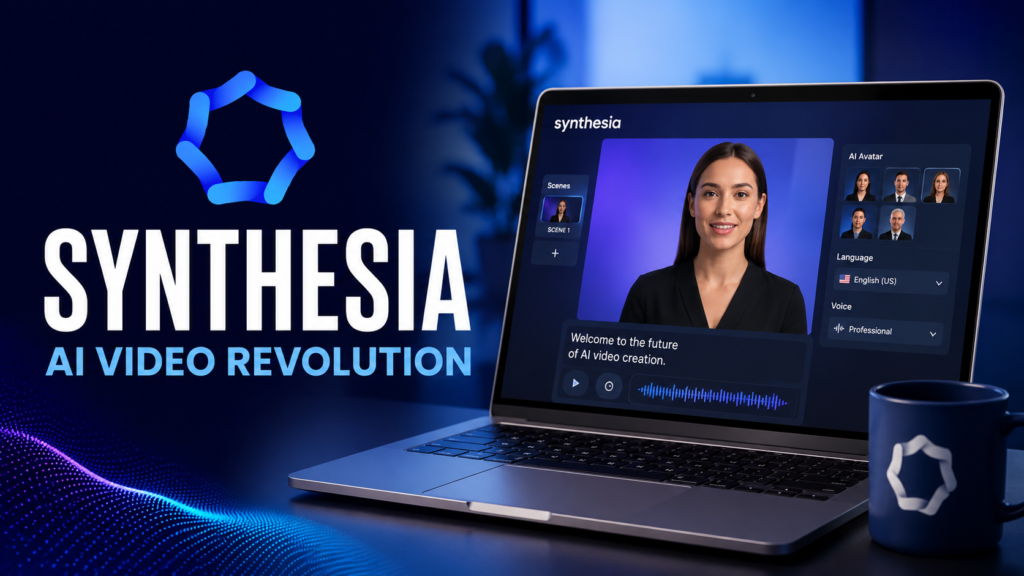
Synthesia is one of the most popular AI video generators for businesses. It allows you to create professional videos featuring realistic AI presenters without hiring actors, cameras, or a production team.
It is especially useful for training videos, product explainers, onboarding content, sales presentations, and multilingual marketing campaigns.
Best For
- Corporate marketing
- Product demonstrations
- Educational videos
- HR training
- SaaS businesses
- B2B marketing
Key Features
- 230+ AI avatars
- 140+ supported languages
- AI voiceovers
- Screen recording
- Brand kit
- Team collaboration
- Custom AI avatars (Enterprise)
Pros
✔ Extremely easy to use
✔ Professional-looking avatars
✔ Excellent multilingual support
✔ High-quality voice generation
✔ Strong business collaboration tools
Cons
✖ Limited creative editing compared to traditional video editors
✖ Premium pricing for advanced features
Expert Recommendation
If your business regularly creates tutorials, training materials, or customer education videos, Synthesia is one of the most efficient and scalable solutions available.
2. Pictory – Best for Turning Blog Posts into Videos
Overview
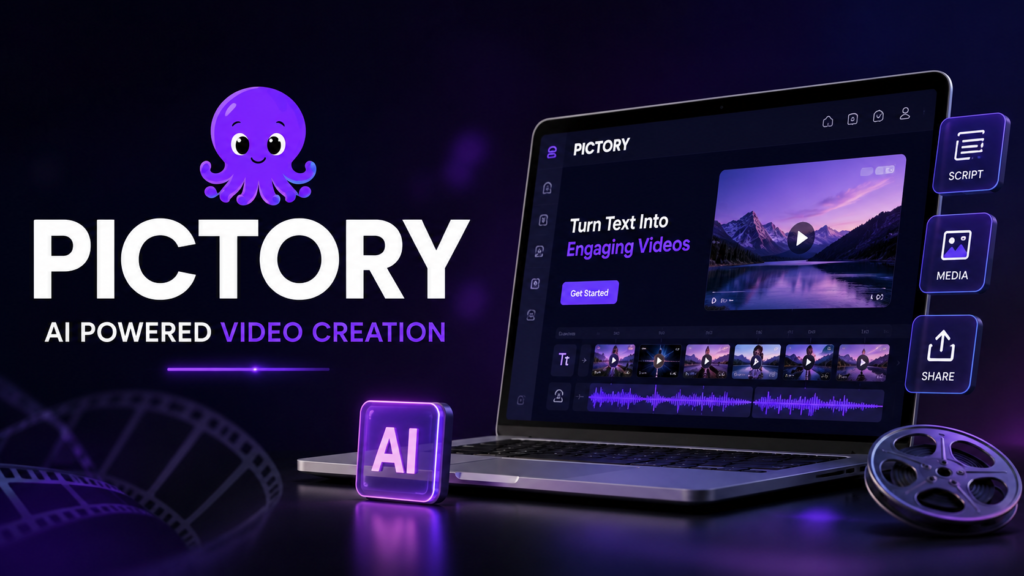
Pictory is designed for marketers who already publish written content. It can automatically convert blog posts, articles, and scripts into engaging videos using AI.
This makes it an excellent choice for content repurposing.
Best For
- Bloggers
- Affiliate marketers
- SEO professionals
- News websites
- Content agencies
Key Features
- Blog-to-video conversion
- AI summarization
- Automatic captions
- Voiceovers
- Stock video library
- Social media formats
Pros
✔ Saves hours of editing
✔ Great for content repurposing
✔ Beginner-friendly interface
✔ Excellent subtitle generation
Cons
✖ Limited customization compared to advanced editors
✖ AI visuals may occasionally require manual adjustment
Real-World Example
Imagine publishing a 2,500-word blog post about digital marketing. Instead of creating a video from scratch, Pictory can generate a short promotional video that highlights the article’s key points for YouTube Shorts, Instagram Reels, or LinkedIn.
3. InVideo AI – Best Overall for Marketing Videos
Overview
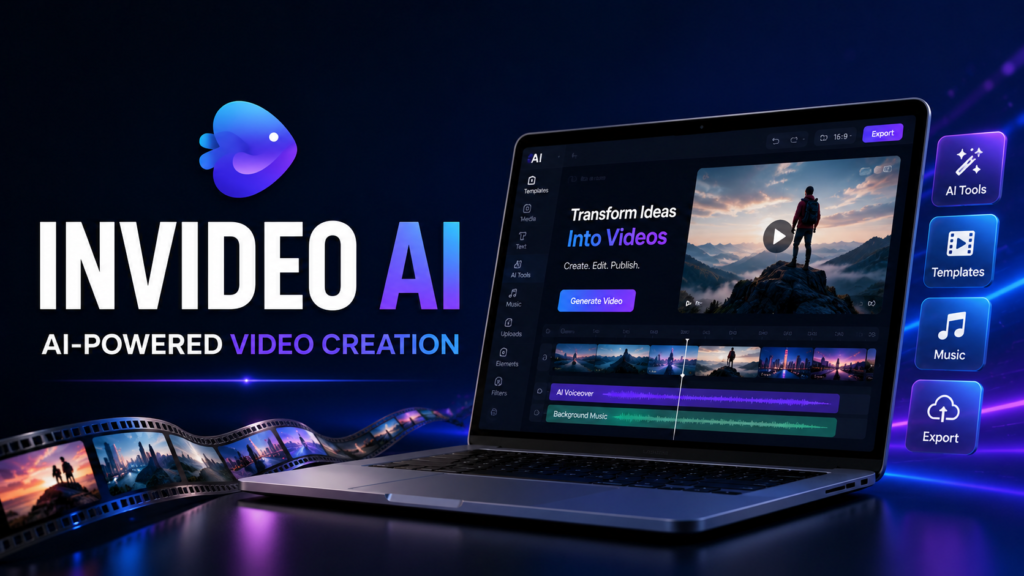
InVideo AI combines AI scripting, scene generation, stock media, voiceovers, and editing into one platform. It is one of the most versatile tools for marketers.
Best For
- Small businesses
- Marketing agencies
- Freelancers
- E-commerce
- Social media campaigns
Key Features
- Text-to-video
- AI script writer
- Voice cloning
- Millions of stock assets
- Automatic transitions
- AI editing assistant
Pros
✔ Fast workflow
✔ Large template library
✔ Excellent for advertisements
✔ Beginner-friendly
✔ Affordable pricing
Cons
✖ Some AI-generated scenes still benefit from manual refinement
Expert Insight
For businesses seeking an all-in-one AI video creation platform without a steep learning curve, InVideo AI offers an excellent balance of features, usability, and value.
4. HeyGen – Best for Personalized Marketing Videos
Overview
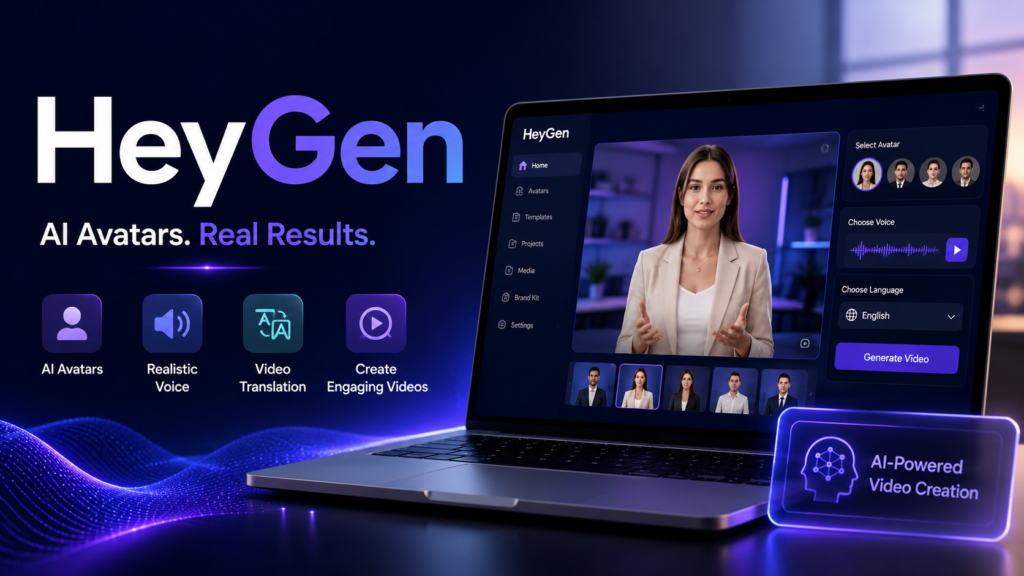
HeyGen specializes in highly realistic AI avatars and personalized video communication.
It is widely used for sales outreach, customer engagement, and multilingual campaigns.
Best For
- Personalized sales videos
- Customer support
- International marketing
- Product demos
- Lead generation
Features
- Realistic avatars
- AI voice cloning
- Video translation
- Lip-sync technology
- Screen recording
- Custom avatars
Pros
✔ Natural-looking AI presenters
✔ Excellent language translation
✔ Personalized customer communication
Cons
✖ Creative editing tools are more limited than dedicated editors
5. Runway – Best for Creative AI Video Production
Overview
Runway is a favorite among designers, filmmakers, and creative agencies. It offers advanced AI-powered editing capabilities, including video generation, object removal, background replacement, and cinematic effects.
Best For
- Creative professionals
- Advertising agencies
- Film production
- High-end marketing campaigns
Features
- AI video generation
- Motion tracking
- Object removal
- Green screen replacement
- AI image animation
- Professional editing tools
Pros
✔ Industry-leading AI editing
✔ Powerful creative controls
✔ High-quality output
Cons
✖ Requires more learning than beginner-focused tools
6. Canva AI – Best for Beginners
Overview
Canva has expanded beyond graphic design into AI-powered video creation. It offers an intuitive drag-and-drop editor with AI features that make creating branded marketing videos simple.
Best For
- Small businesses
- Beginners
- Social media managers
- Entrepreneurs
Features
- Magic Design
- AI writing
- Text-to-image
- Video templates
- Brand Kit
- Team collaboration
Pros
✔ Very easy to learn
✔ Excellent branding tools
✔ Affordable
✔ Huge template library
Cons
✖ Less advanced AI video generation than specialized platforms
7. Adobe Express AI – Best for Creative Teams
Adobe Express integrates AI-powered creative features with Adobe’s design ecosystem, making it ideal for businesses already using Adobe products.
Strengths
- Professional branding
- Adobe Stock integration
- AI image generation
- AI text effects
- Social media templates
8. CapCut AI – Best for Short-Form Content
CapCut has become one of the most popular AI-powered editors for creating TikTok videos, Instagram Reels, and YouTube Shorts.
Best For
- Influencers
- Content creators
- Social media marketers
- Mobile editing
Features
- Auto captions
- AI effects
- Background removal
- AI voiceovers
- Templates
- Trending transitions
Comparison Table
| Tool | Ease of Use | AI Avatars | Text-to-Video | Best For | Pricing |
|---|---|---|---|---|---|
| Synthesia | ⭐⭐⭐⭐⭐ | ✅ | ✅ | Corporate Videos | Premium |
| Pictory | ⭐⭐⭐⭐⭐ | ❌ | ✅ | Bloggers | Mid-range |
| InVideo AI | ⭐⭐⭐⭐⭐ | Limited | ✅ | Marketing | Affordable |
| HeyGen | ⭐⭐⭐⭐ | ✅ | ✅ | Personalized Videos | Mid-range |
| Runway | ⭐⭐⭐ | Limited | ✅ | Creative Editing | Premium |
| Canva AI | ⭐⭐⭐⭐⭐ | Limited | Basic | Beginners | Affordable |
| Adobe Express | ⭐⭐⭐⭐ | Limited | Basic | Design Teams | Mid-range |
| CapCut AI | ⭐⭐⭐⭐⭐ | Limited | Basic | Short Videos | Free + Paid |
Which AI Tool Is Best for Different Marketing Goals?
| Goal | Recommended Tool |
|---|---|
| Social Media Videos | InVideo AI |
| Blog-to-Video | Pictory |
| AI Presenters | Synthesia |
| Personalized Sales | HeyGen |
| Cinematic Ads | Runway |
| Small Business | Canva AI |
| Creative Agency | Adobe Express |
| TikTok & Reels | CapCut |
AI Video Generators vs Traditional Video Editing
| Feature | AI Video Generator | Traditional Editing |
|---|---|---|
| Speed | Excellent | Slow |
| Cost | Lower | Higher |
| Skill Required | Beginner | Advanced |
| Automation | High | Low |
| Scalability | Excellent | Limited |
| Human Creativity | Moderate | Excellent |
| Collaboration | Good | Excellent |
Key Takeaway: AI video generators excel at speed, scalability, and affordability, while traditional editing still offers greater creative control for complex productions. Many marketing teams combine both approaches for the best results.
Best Practices for Using AI Video Generators
To get the most value from AI video tools:
- Start with a clear objective for each video.
- Write concise, audience-focused scripts.
- Match the video’s aspect ratio to the platform (e.g., vertical for Shorts and Reels).
- Use your brand colors, fonts, and logo consistently.
- Review AI-generated content for factual accuracy and brand tone.
- Add subtitles to improve accessibility and engagement.
- Include a clear call to action at the end of every marketing video.
- Test different versions (A/B testing) to optimize performance.
Common Mistakes to Avoid
- Relying entirely on AI without human review.
- Using generic templates for every campaign.
- Ignoring your target audience’s preferences.
- Creating overly long promotional videos.
- Publishing videos without captions.
- Neglecting brand consistency.
- Using AI-generated visuals that don’t align with your message.
- Skipping performance analysis after publishing.
Expert Recommendations
Based on marketing use cases:
- Best Overall: InVideo AI
- Best for AI Avatars: Synthesia
- Best for Bloggers: Pictory
- Best for Personalized Sales: HeyGen
- Best for Creative Production: Runway
- Best for Beginners: Canva AI
- Best for Short-Form Content: CapCut AI
These recommendations consider ease of use, feature set, scalability, and suitability for common marketing workflows.
Final Expert Recommendation
AI can dramatically improve productivity, but it should enhance—not replace—human creativity. Review AI-generated content for accuracy, align it with your brand voice, and focus on delivering genuine value to your audience. This balanced approach supports stronger user trust and aligns well with Google’s emphasis on helpful, people-first content.
Conclusion
Artificial intelligence has transformed the way businesses create marketing videos. What once required a production team, expensive software, and days of editing can now be done in minutes with the right AI video generator.
However, no single tool is perfect for every business. The best choice depends on your goals, budget, team size, and content strategy.
Here’s a quick recap:
- Choose Synthesia if you need realistic AI avatar videos for training, presentations, or multilingual communication.
- Choose Pictory if you want to convert blog posts into engaging videos.
- Choose InVideo AI if you’re looking for a complete marketing video solution.
- Choose HeyGen for personalized sales and customer communication.
- Choose Runway if your focus is creative, cinematic video production.
- Choose Canva AI if you want a beginner-friendly platform with branding tools.
- Choose Adobe Express if your team already uses Adobe’s creative ecosystem.
- Choose CapCut AI for fast, high-quality short-form videos for platforms like TikTok, Instagram Reels, and YouTube Shorts.
Frequently Asked Questions (FAQs)
1. What is the best AI video generator for marketing?
InVideo AI is an excellent all-around choice because it combines text-to-video generation, templates, stock media, and AI editing on a single platform.
2. Can AI create professional marketing videos?
Yes. Modern AI tools can create professional-quality videos for ads, social media, product demonstrations, tutorials, and promotional campaigns. Human review is still recommended before publishing.
3. Are AI video generators free?
Many platforms offer free plans or trials, but advanced features such as premium exports, AI avatars, or longer videos often require a paid subscription.
4. Which AI tool is best for YouTube?
Pictory and InVideo AI are strong options for YouTube creators because they support long-form videos, Shorts, captions, and content repurposing.
5. Which AI video tool is best for beginners?
Canva AI is one of the easiest platforms to learn thanks to its intuitive interface and ready-made templates.
6. Can AI replace video editors?
Not completely. AI is excellent for automating repetitive tasks, but experienced editors still add creative direction, storytelling, and polished finishing touches.
7. Are AI-generated videos good for SEO?
Yes. Videos can improve engagement, dwell time, and content variety. Pair them with optimized titles, descriptions, transcripts, and structured data for better search visibility.
8. Which AI video generator supports multiple languages?
Synthesia and HeyGen both support a wide range of languages and are well suited for global marketing campaigns.
9. Can AI generate videos from blog posts?
Yes. Pictory specializes in converting articles into videos, making it a useful tool for repurposing written content.
10. How do I choose the right AI video generator?
Compare features, pricing, ease of use, integrations, export quality, collaboration tools, and support. Select the platform that aligns with your marketing objectives and workflow.
Also Read: Techlymate